
Why one payment link for multiple invoices helps wholesale distributors collect faster
More links means more customer confusion and more AR follow-ups.
Customers delay payment
When they need to pay many invoices separately, the process becomes harder, slower, and easier to forget.
Teams chase confirmations
AR tracking becomes a manual workflow: reconciling deposits to invoices and updating status in spreadsheets.
Disputes increase
Invoice mismatches and payment ambiguity create more back-and-forth when systems are disconnected.
How consolidated payment links work
One link, many invoices, one reconciled story.
1) Consolidate invoices per customer
Group invoice balances into a single customer-friendly payment experience.
2) Track invoice status automatically
Stay updated on open vs paid invoices without rebuilding AR in spreadsheets.
3) Connect payment methods to invoice balances
Support card, ACH, invoice pay, and COD while maintaining invoice-level reconciliation.
What you get with Wholtra
Connected to orders and inventory.
Unified customer view
See customer context (orders + invoices + payments) from one platform.
Fewer reconciliation steps
Payments update invoice balances so your AR workflow stays clean.
Reporting that connects cash to customers
Understand which accounts pay on time and which need follow-up.
One payment experience for what your customer owes
Consolidate invoice balances into a single payment link
Reduce the "pay many invoices" problem
Wholesale distributors often issue multiple invoices to the same buyer each week. When customers have to pay each invoice separately, payment becomes slower, disputes become more likely, and your AR team spends more time chasing confirmations.
Consolidated payment links keep AR clear
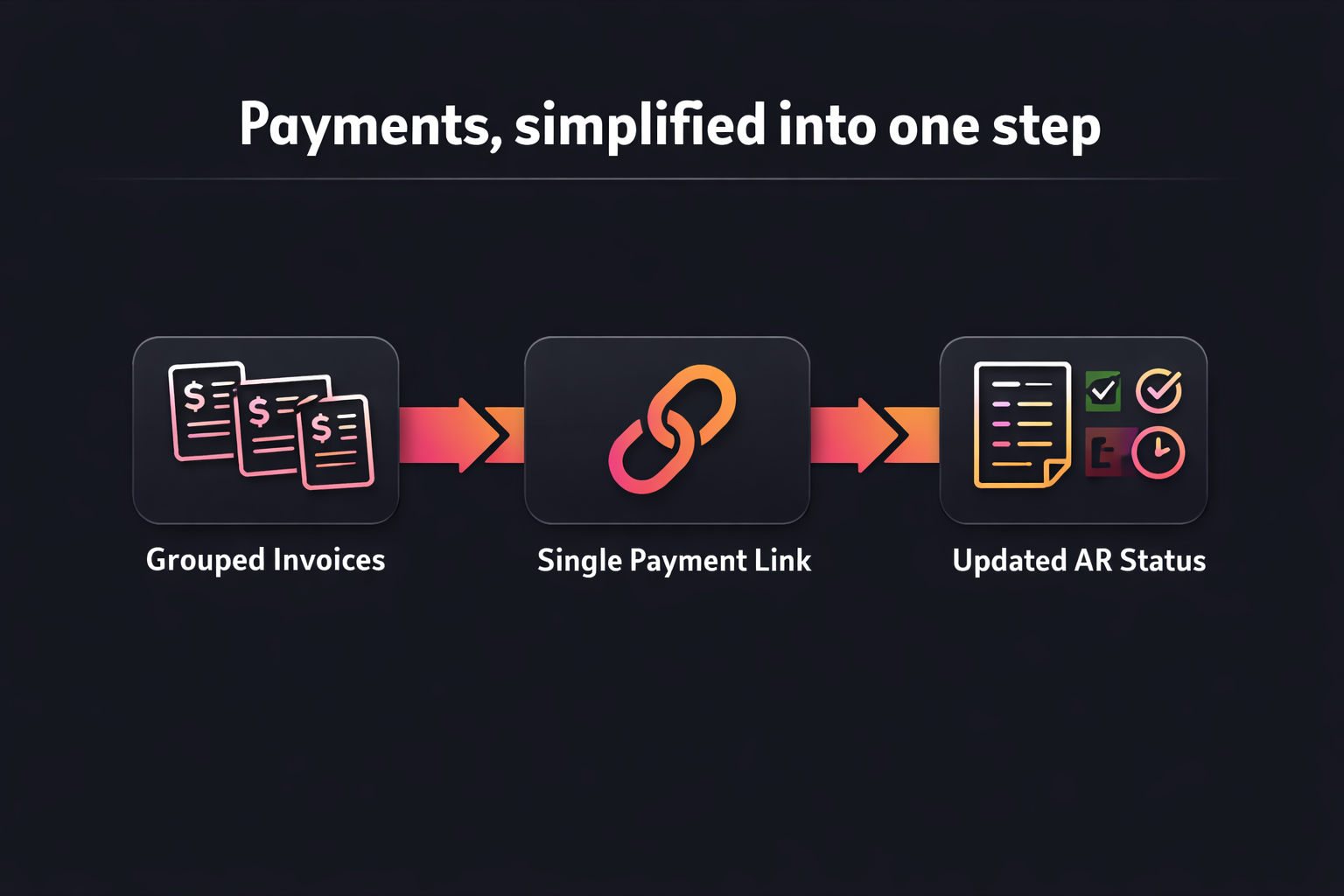
Wholtra supports invoice grouping so a customer can pay what they owe in one step. Invoice tracking stays connected so open vs paid status remains accurate as payments come in.
Payments update invoice balances automatically
Instead of reconciling deposits in spreadsheets, your workflow ties payment activity back to invoice-level balances. That makes reporting and follow-up more reliable.
Payments, simplified into one step
Drop in your consolidated link diagram here
Consolidated invoice link FAQ
Payment methods, invoice status, and AR reconciliation
Which payment methods can customers use with a consolidated link?
Customers can pay with the methods that fit your terms (card, ACH, invoice pay, or COD). The key is that the payment remains tied to the customer's invoice balances, not a loose "paid/unpaid" spreadsheet.
That means the payment method does not change the AR outcome. Your team still sees the same invoice status updates, regardless of whether the customer uses card, ACH, invoice pay, or COD. Collections stay consistent and disputes are easier to track to the correct invoice.
How does consolidated invoicing reduce the spreadsheet workload?
Instead of copying invoice totals into multiple sheets and updating paid status by hand, invoice tracking updates inside the connected workflow as payments are received. That lowers manual reconciliation time for your AR team.
You also reduce the need to chase confirmation screenshots or reconcile deposits to totals after the fact. When invoice balances update automatically, your team can focus on account-level follow-up instead of spreadsheet maintenance.
What makes this "wholesale-ready" for distributors?
It keeps invoice status accurate for each buyer while supporting consolidated payment experiences. Your team gets a more predictable AR workflow because payments update invoice balances in one place.
Wholesale customers often pay across many invoices and many terms. Wholtra keeps the workflow organized so you always know what is open for each buyer and what was paid. The result is cleaner AR reporting and fewer "which invoice is this payment for?" conversations.